Turn Your Gift Into a Playable Mini Game
Simple, personal, and ready to play in any browser.
Perfect for birthdays, anniversaries, and moments worth celebrating.
How It Works
1. Select games
Pick the games you want to turn into a gift.
2. Send Details
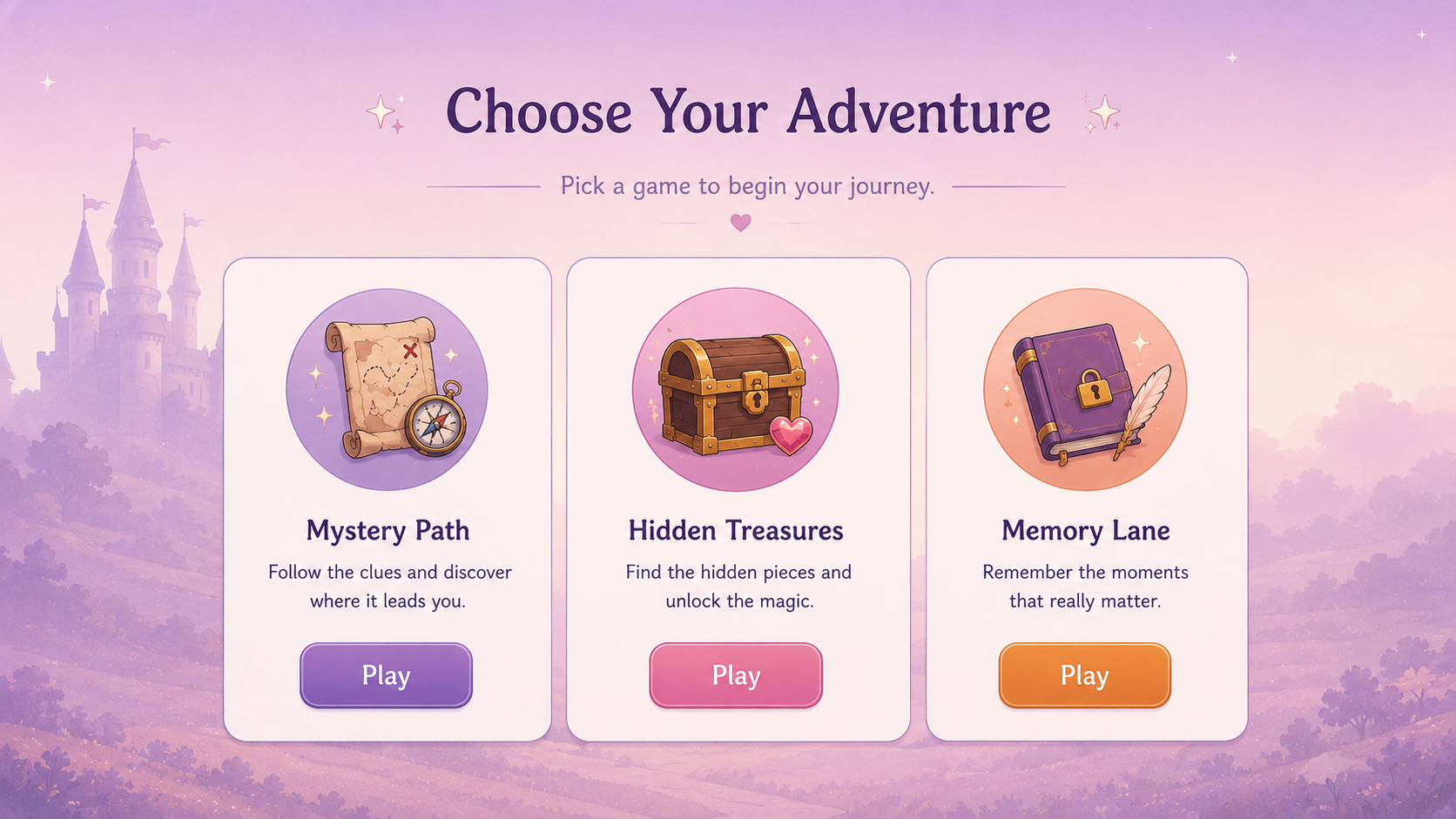
Add names, messages, images, and customize details based on the game you choose.
3. Share it
Receive a ready to play link via email.
Make the game yours.
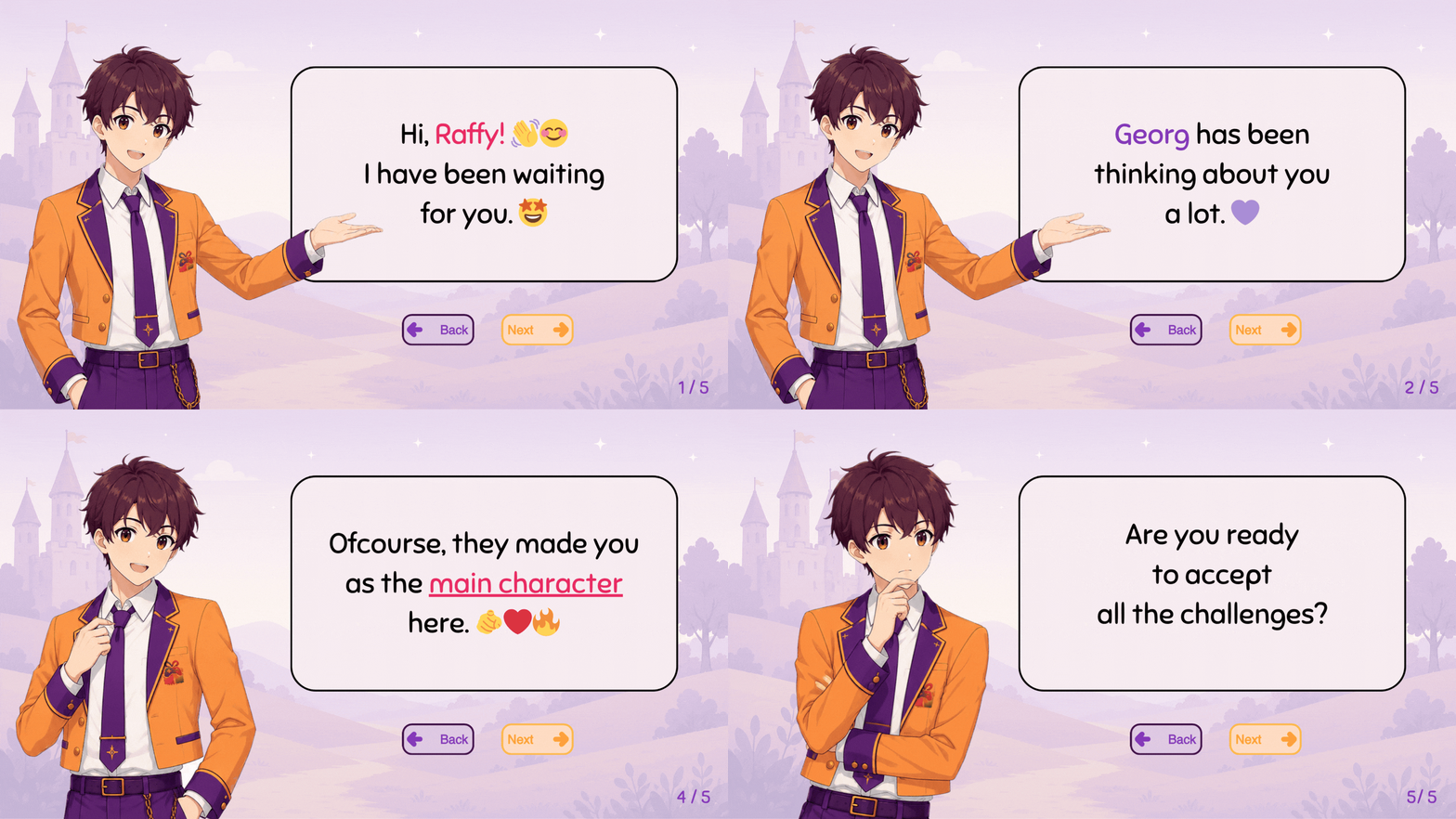
Start simple or build a full experience. Add names, messages, avatars, and story details depending on the game and level you choose.
Names
Add their name, your name, nicknames, or a special title.
Messages
Add intro text, in game notes, choices, or an ending message.
Avatars
Use a simple character, chosen avatar, or cartoon inspired version.
Story Details
Add dates, memories, places, or moments that matter.
Not every game is personalized the same way.
Different options let you shape the game experience around the person you’re creating it for. Depending on the option you choose, the game can include custom story moments, messages, visuals, avatars, and themed details.
Choose your level
How much of the game should feel personal?
Pick the option that matches the kind of gift you want to give. Some are made for quick, playful surprises. Others give more room for story details, custom visuals, and a stronger personal touch.
Basic
A ready to play mini game gift with light personalization.
- Choose 3 mini games
- Add basic personal details
- Include a simple ending message
A quick gift that still feels personal.
Standard
A connected experience where the selected games follow one story.
- 3 games linked together
- Custom text and avatar options
- Personal ending screen
A gift with more story and personality.
Premium
One fully themed game experience with deeper custom details.
- Deeper personalization across the game
- Cartoonized avatar option
- Optional extras like video or slides
A bigger gift for a special moment.